
5 Windows 10 features that are better than what you had on Windows 7
Table of Contents
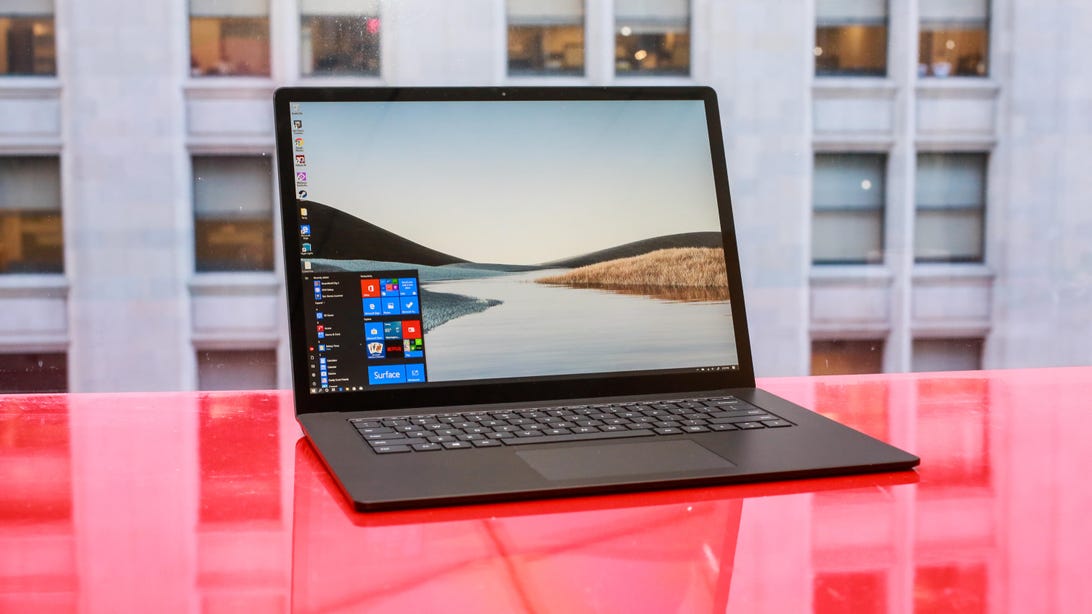
Microsoft’s Surface Laptop 3 runs Windows 10.
Sarah Tew/CNET
Finally made the upgrade from Windows 7 to Windows 10? Hopefully the answer is yes, since Microsoft stopped supporting Windows 7 ($28 at Amazon) over a year ago, which means devices running that OS no longer get important updates or security patches. But never fear: Learning how to navigate Windows 10 ($147 at Amazon) isn’t too difficult, especially if you can pinpoint all of the big differences between the new OS and the older version.
From tighter security to a new browser, Windows 10 has a lot to offer. Here are some of the biggest feature updates in Windows 10, compared to Windows 7.
Watch this:
Windows 10: Features to try now
1:53
Read more: You can still download Windows 10 for free — and you should because Windows 7 is dead
Security improvements
Windows 10’s advanced security and continuous patches and updates are the top reason to switch to the latest version of the OS. Some of the best security features include:
- Windows Hello: Software that uses facial recognition to unlock your machine using its webcam, as well as to unlock more than a dozen apps.
- Microsoft Defender: The antivirus program and internet security software comes free with Windows 10.
- Automatic updates: Unlike previous versions of the OS, Windows 10 offers automatic updates by default, to keep systems more secure. (You can turn these off if you want to, by going to Windows Update Settings > Advanced Options and changing from Automatic to another option in the drop-down menu.)
If you’re still holding on to Windows 7, at least consider these security tips to protect your Windows 7 laptop. You can also check out this full comparison of Windows 10 and Windows 7 security features from Microsoft.
Read more: The best antivirus protection of 2021 for Windows 10
Matt Elliott/CNET
Start menu
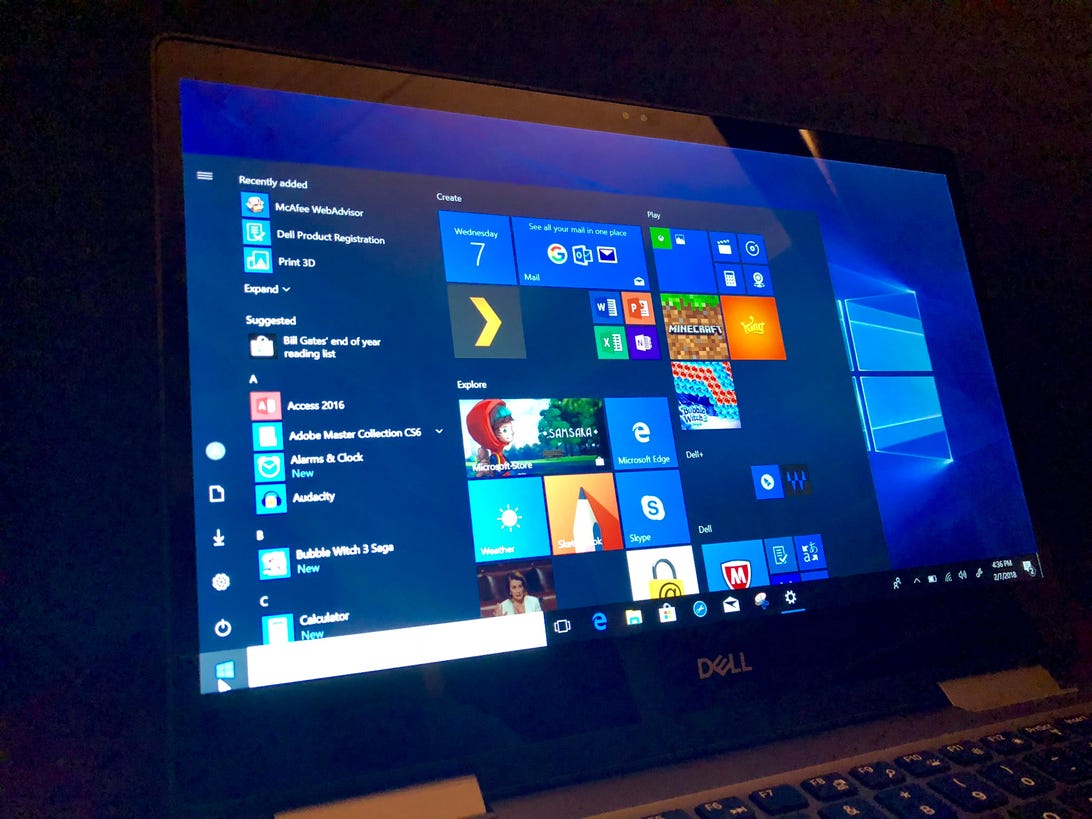
Hit the familiar Windows icon at the bottom left of the screen or on your keyboard to find a list of your desktop apps and programs. Similar to the Start menu in Windows 8, the Windows 10 Start menu includes live tiles — large icons to the right of the Start menu including Mail, Calendar and Weather. You can customize these tiles with any app you like: Just open the Start menu, click All apps and find the app you want to make into a tile. Right-click it, and click Pin to Start. To remove a tile, right-click it and click Unpin from Start.
With Windows 10, you can also access a lesser-known second Start menu that helps you access important features like the Command Prompt, the Control Panel and the Task Manager much easier, either by pressing the Windows key + X or by right-clicking the Windows icon/Start button.
Read more at TechRepublic: Windows 10: A cheat sheet
Cortana
Microsoft’s digital assistant Cortana is available on Windows 10 PCs. Cortana acts as a personal assistant — similar to Apple’s Siri — and operates via voice command to help with tasks like scheduling and reading or summarizing your email.
Go to Start > Settings > Cortana to turn Cortana on and off, and control when and how you use the assistant. For example, toggle yes if you want Cortana to help when you say, “Hey Cortana,” and yes if you want speech and typing personalization turned on, which helps the assistant get to know your patterns.
Read more: Have a new PC or laptop? Here’s how to set it up the best way

The Microsoft Edge browser now runs on Chromium.
Illustration by Stephen Shankland/CNET
Edge browser
Say goodbye to Internet Explorer: With Windows 10, Microsoft introduced the Edge browser to replace the old mainstay. In January, Microsoft rolled out a new version of Edge, built on the same engine that drives Google’s Chrome browser — making it more compatible with modern websites, for a better browsing experience. You can download the new Edge browser on Windows 10 (and, technically, since it’s built on Chromium, on Windows 7 or 8 too) by going to the Microsoft Edge webpage, selecting Windows, and clicking Download.
Continuous updates
Unlike Windows 7, Microsoft continually updates Windows 10 to patch security issues and make the machines run better. This is part of Microsoft’s move to make Windows operate more as a service, with continuous updates instead of a brand-new version.
To check for updates, go to Start > Settings > Update & Security, and under Windows Update, click Check for updates.
Major feature updates come twice a year, with the most recent being the October 2020 Update. This update added some new features like a new, streamlined Start menu and the ability to personalize your Taskbar. It also includes the new Chromium-based Microsoft Edge browser instead of the legacy version for the first time.
The upcoming Windows 10 Spring 2021 update will add a few more useful new features, and also set the stage for a larger Windows 10 UI update in the future.
More Windows 10 tips

Watch this:
Windows 10: Try these hidden features right now
2:51